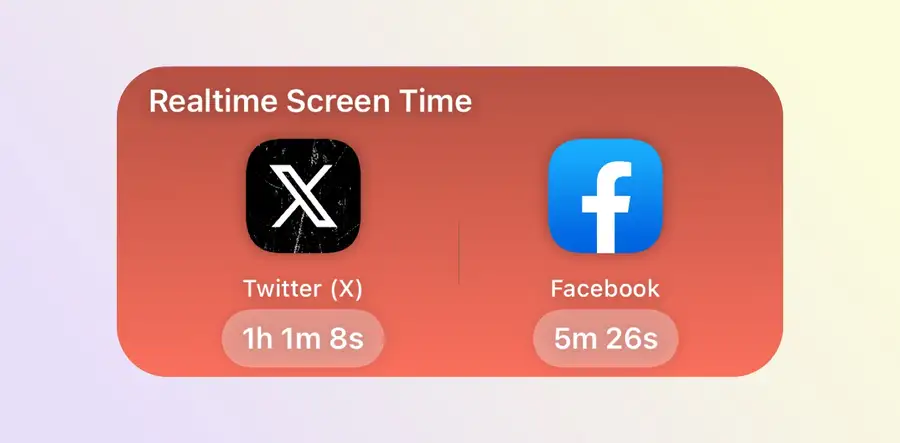
How to Add a Screen Time Widget on iPhone
Add Apple's Screen Time widget on iPhone, configure Sandflow's Home Screen widget, and fix missing or stale data without confusing widgets with live timers.
Guides for tracking app usage, reducing social media time, using iPhone Screen Time, and building healthier digital habits.
Add Apple's Screen Time widget on iPhone, configure Sandflow's Home Screen widget, and fix missing or stale data without confusing widgets with live timers.
Why Instagram becomes an automatic habit on iPhone, and how to break the loop with fewer triggers and real-time screen time awareness.
Apple Screen Time is useful, but many people ignore its limits. Here is how to make iPhone screen time control more visible with Sandflow.
A practical guide to using your iPhone more intentionally with clearer home screens, Focus modes, Screen Time, and Sandflow live timers.
Use iPhone Live Activities as a real-time screen time cue with Sandflow, so distracting app sessions stay visible on the Lock Screen and Dynamic Island.
Make your iPhone less addictive without buying a dumb phone: simplify the home screen, reduce notifications, set limits, and add Sandflow timers.

Track TikTok sessions in Dynamic Island with Sandflow so short-video scrolling stays visible before the session gets away from you.
Track Instagram sessions in Dynamic Island with Sandflow so you can see how long you have been scrolling while the session is still happening.
Stop late-night doomscrolling on iPhone with bedtime limits, Focus modes, fewer feed triggers, and Sandflow real-time session timers.