Dynamic Island timers are useful because they keep time visible while you do something else. The best app depends on what you are timing.
Apple's Clock app is great for simple timers. Workout apps are useful for exercise. Cooking and delivery apps can show live progress. But if your goal is to reduce screen time, you need a timer that starts when distracting apps open.
Compare Three Timer Options
| App | What the timer measures | Best use |
|---|---|---|
| Apple Clock | Counts down from a duration you set. Its running timers can appear in Live Activities. | A reminder to stop or switch tasks after a set time. |
| Sandflow | Counts up during a selected app session after you set up opening and closing Shortcuts automations. | Seeing how long the current app session lasts. |
| one sec | Shows current app usage time and your intention in its Dynamic Island timer. | Pairing a pause before opening with a visible session timer. |
Clock's timer does not start or stop with an app session. Sandflow and one sec focus on elapsed app usage; one sec also adds an intervention before access. Check each app's setup requirements before choosing.
Best For Screen Time: Sandflow
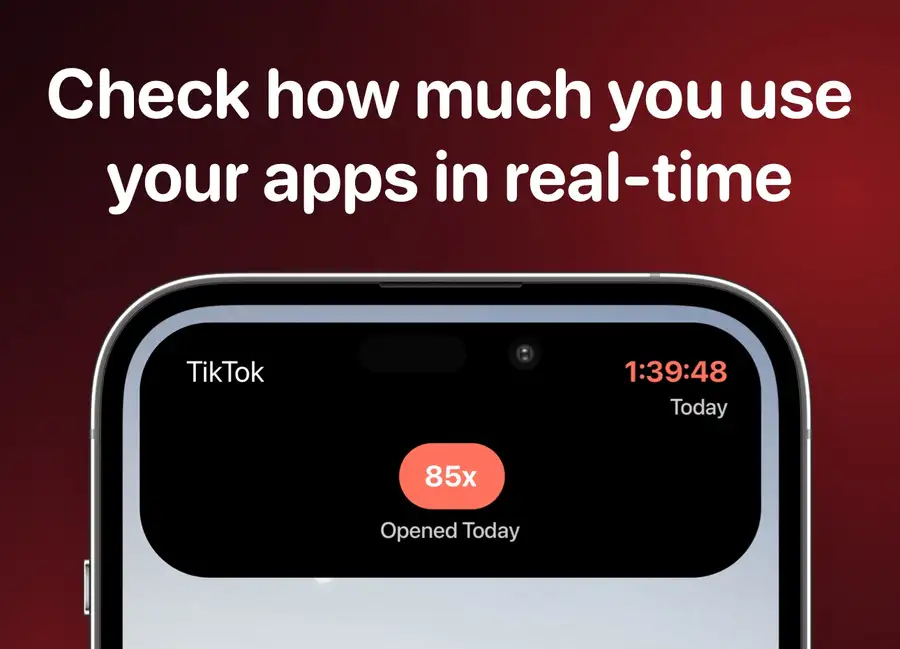
Sandflow is designed for real-time app usage awareness. You choose distracting apps, connect Shortcuts automations, and Sandflow shows the active session as a live timer.
That makes it useful for Instagram, TikTok, YouTube Shorts, Reddit, X, Snapchat, Facebook Reels, games, and other apps where time disappears.
What To Look For
A good Dynamic Island timer app should be:
- Visible without interrupting you.
- Easy to start and stop.
- Connected to the behavior you want to change.
- Private enough for everyday use.
- Simple enough that you do not abandon it.
For screen time, the most important feature is automatic timing. Manual timers are easy to forget. Sandflow's Shortcuts-based setup makes the timer part of the app-opening routine.
How To Use It
For Sandflow, start with the step-by-step Shortcuts setup. It explains the separate opening and closing automations, selecting the same app in each action, and enabling the live timer. Choose the steps for your iOS version.
Sandflow also has a medium Home Screen widget for a daily usage summary. Read how to add the Screen Time widget on iPhone to see how that summary differs from a live session timer.
Use the opening-and-closing check to confirm that a session starts and ends correctly. If a timer is missing or keeps running, use the setup troubleshooting section.
Start with your top three distracting apps. Track them for a week. Look at which sessions become longest and which time of day creates the most drift. Then adjust limits and notifications around those patterns.
The best timer is the one that appears at the moment you need the cue.
Sources and further reading
- Apple Support: Use Screen Time on your iPhone and iPad
- Apple Support: Set timers in Clock on iPhone
- Apple Support: View Live Activities in the Dynamic Island on iPhone
- Apple Developer: Displaying live data with Live Activities
- Apple Support: Intro to personal automation in Shortcuts
- one sec: Dynamic Island Timer for iOS
- Pew Research Center: How teens and parents approach screen time