Screen time app for iPhone
Screen Time App for iPhone That Shows Usage in Real Time
Sandflow is an iPhone screen time app that shows app usage while you scroll with Dynamic Island, Live Activities, widgets, and private tracking.
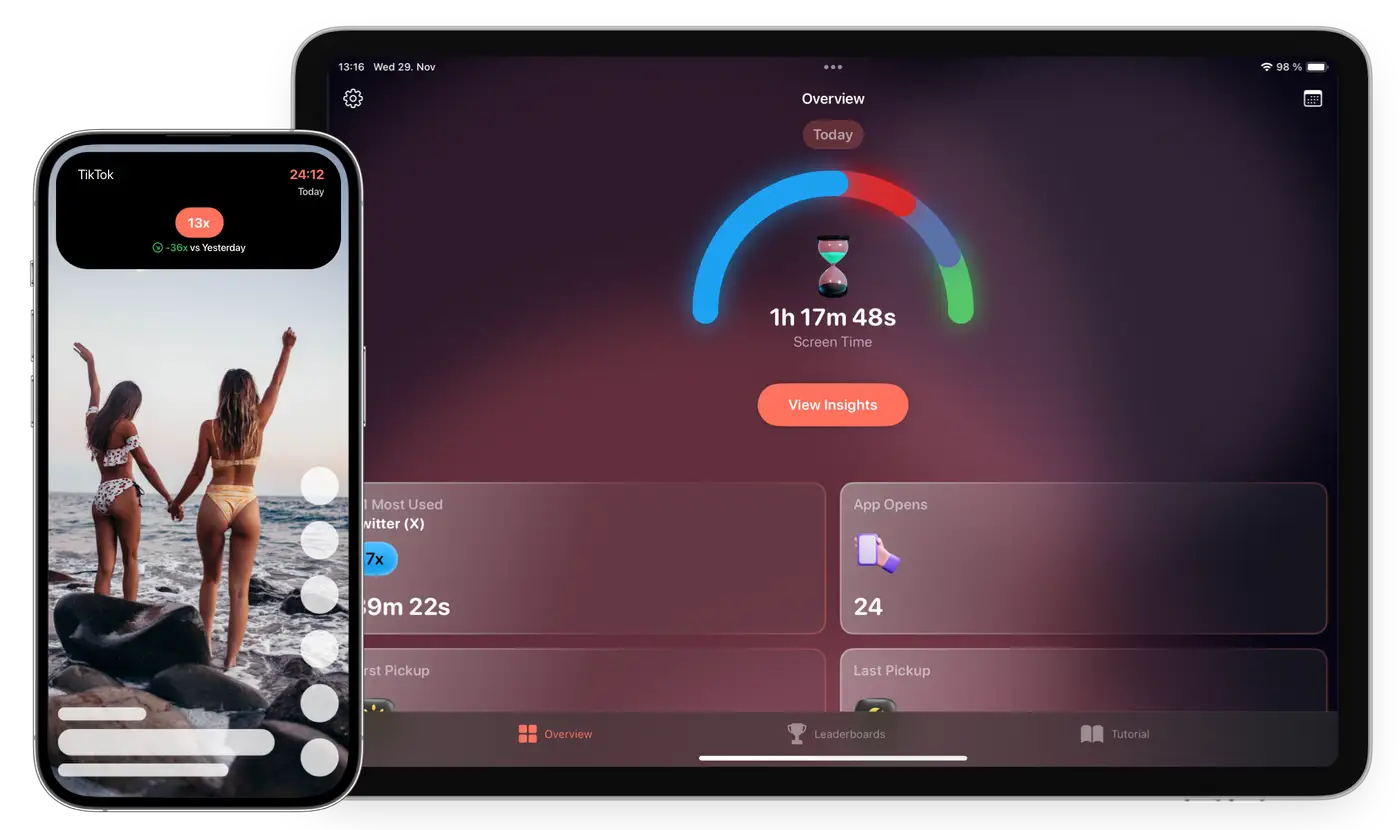
Real-time app usage timer
Dynamic Island and Live Activities
Private iCloud sync without an account
Why Sandflow exists
Phone habits usually do not change because someone sees one more dashboard. They change when the habit becomes visible at the right moment. Sandflow is designed around that moment: the first few minutes after opening an app, before a quick check becomes a long session.
Instead of trying to shame you or block every app, Sandflow gives you a clear signal. You choose which apps matter, connect them with Apple Shortcuts, and then use the timer as a practical cue for more conscious phone use.
Why real-time tracking works differently
Most screen time tools show charts after the fact. Sandflow shows a live timer while selected apps are open, creating a clear cue at the moment you can still decide to stop.
Use it with Apple Screen Time
Apple Screen Time is useful for reports and limits. Sandflow complements it with live app sessions, widgets, leaderboards, and app-by-app awareness for the apps you choose.
Built for conscious phone use
Sandflow is for people who want less unconscious scrolling without turning their phone into a strict lockdown device.
Common questions
Is Sandflow a replacement for Apple Screen Time?
No. Sandflow works best alongside Apple Screen Time by making selected app sessions visible in real time.
Can Sandflow track apps automatically?
iOS does not allow apps to silently track every app you open. Sandflow uses Shortcuts automations that you control.
Make distracting app time visible
Sandflow helps you notice the session while there is still time to change it.
Download on the App Store