How it works
How Sandflow Tracks App Usage in Real Time
Learn how Sandflow uses iPhone Shortcuts automations, Dynamic Island, Live Activities, widgets, and private iCloud sync to track selected app usage.
Pick distracting apps
Create Shortcuts automations
See live timers and review patterns
Why Sandflow exists
Phone habits usually do not change because someone sees one more dashboard. They change when the habit becomes visible at the right moment. Sandflow is designed around that moment: the first few minutes after opening an app, before a quick check becomes a long session.
Instead of trying to shame you or block every app, Sandflow gives you a clear signal. You choose which apps matter, connect them with Apple Shortcuts, and then use the timer as a practical cue for more conscious phone use.
Step 1: Choose what to track
Start with the apps that most often turn into unconscious sessions: social feeds, video apps, shopping apps, or games.
Step 2: Connect Apple Shortcuts
Create a personal automation that starts Sandflow when an app opens and stops the timer when it closes. This keeps tracking explicit and privacy-friendly.
Step 3: Use the live timer
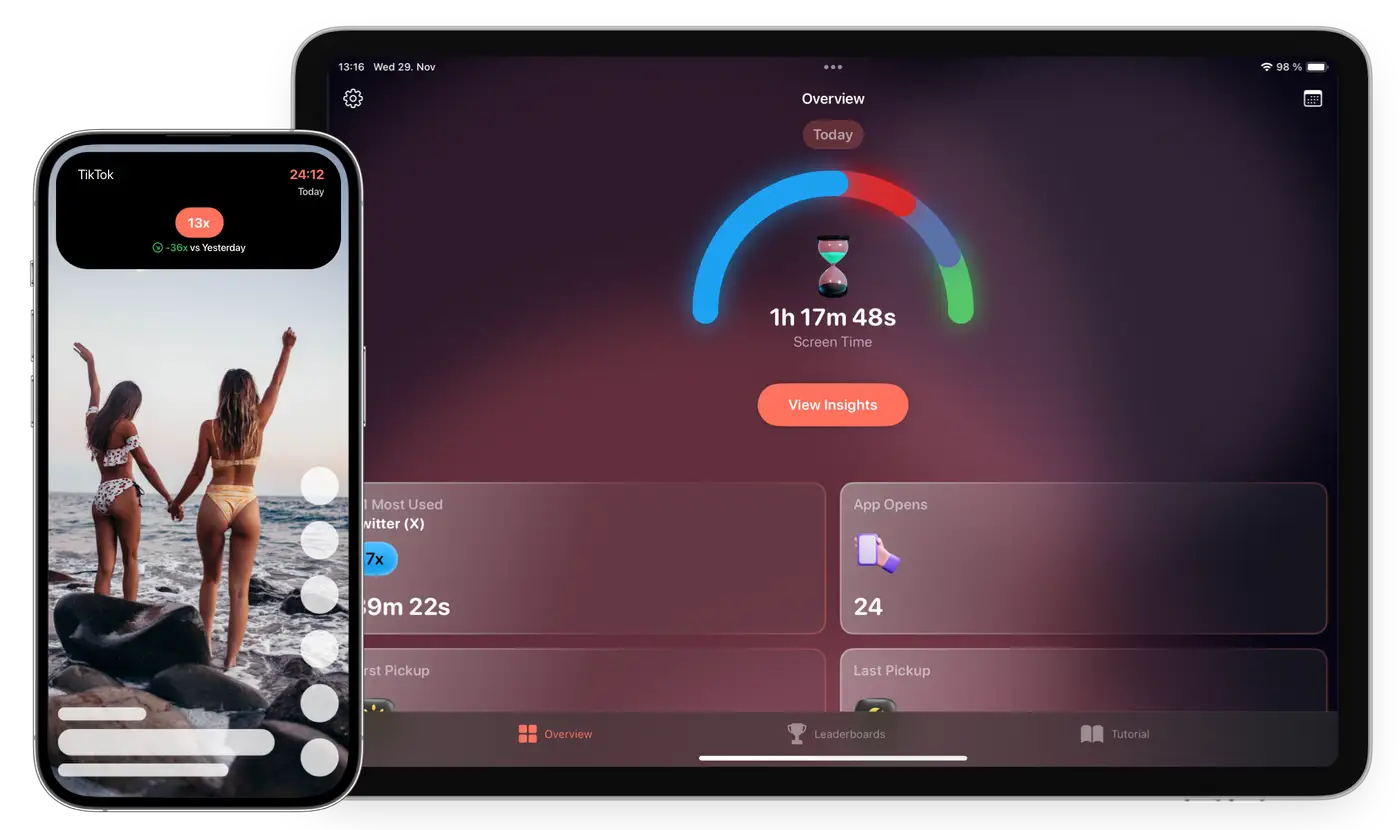
Once configured, Sandflow shows the current session through Dynamic Island, Live Activities, widgets, and the app itself.
Step 4: Review your screen time
Use daily totals, all-time history, app opens, and leaderboards to understand which habits are improving.
Common questions
Do I need to set up each app manually?
Yes. iOS requires explicit Shortcuts automations, which keeps tracking under your control.
Does Sandflow track websites?
No. Sandflow focuses on app sessions you choose to track.
Make distracting app time visible
Sandflow helps you notice the session while there is still time to change it.
Download on the App Store